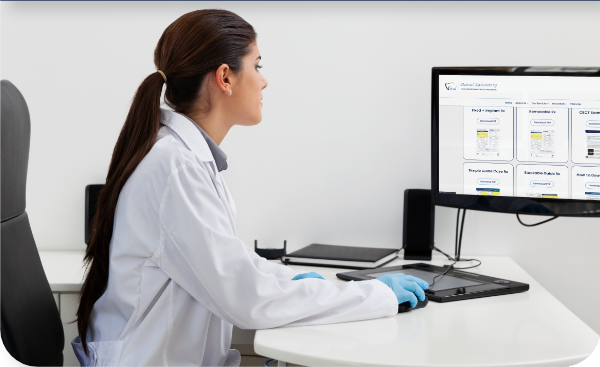
Vital Dental Laboratory is your partner in dental excellence. We have streamlined our send a case process in order to simplify your interactions with our team. Our online case submission tool makes it easy to send traditional and digital impressions. Whether you prefer traditional or digital case, prescribing one of our high-quality restorations will only take a couple minutes.
Print UPS Label
Rx Forms
Send Digital Impression
Local Pickup
Upload Files
Case Scheduler
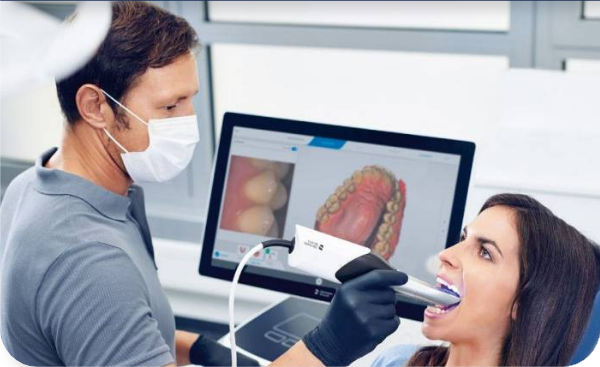
Send a Digital Impression
Vital Dental Lab accepts digital files from most major intraoral scanners. Sending your digital file to our lab will depend on the scanner your practice uses. Check through our list of protocols below to see how you can digitally connect to our lab and get your impression to our team.
Search for “Vital Dental Lab” and click the “Request Partnership” button
You’ll see that the lab has been added to the “My Partner List” with the status reflected as “Partnership Pending”
VITAL DENTAL LAB
Send us your Traditional Impression
Careful packing ensures prosthetic quality and minimizes inconvenience: broken models cause ill-fitting prosthetics requiring a new impression.
Place all impressions and bites in the Biohazard bag provided and seal.
Place RX and/or any other documents in the separate pocket on the outside of the bio bag. If you do not have bio bags with outside pockets, please place paperwork in a separate bag.
Remove models from articulator and wrap individually OR
If models remain on the articulator, please separate the articulator. Each piece should then be wrapped individually and anchored in the box. The face-bow and other enclosures should be wrapped separately. When shipping an articulator and face bow:
Shipping loose crowns, bridges, implant parts and/or shade tabs: Place in a separate small container or sealed plastic bag and wrap separately to avoid loss or breakage.
Any photos or other files that accompany the case should be placed in a plastic bag for protection. Or you can upload patient file here.
Reference the item(s) you are sending on the checklist section of the Rx.
Please schedule a Local Pickup or print a UPS Shipping Label below.
We’ve ensured that uploading files directly to our lab is easy and efficient. Simply drag your DICOM files, shade match photos, or any other documents relevant to your case.
IMPORTANT: Any DICOM or large multiple file uploads must be zipped into a single archive before uploading.
Print, Pack, Ship
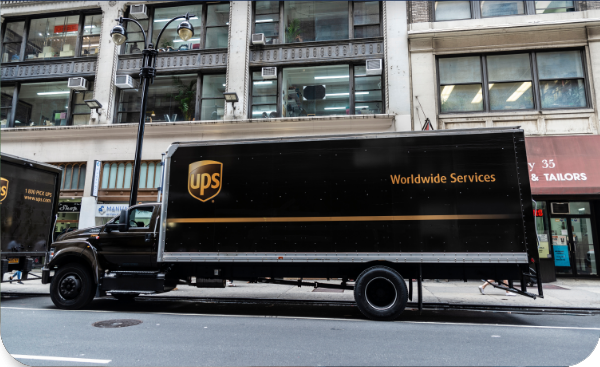
Print a UPS Shipping Label
Generate your Vital Dental Lab shipping label in seconds. Once complete, you can print and attach your label, then choose to drop off your package or schedule a UPS pickup at your convenience.
Create a Shipment
Enter your information to create a shipping label, then you can optionally schedule a UPS pickup.
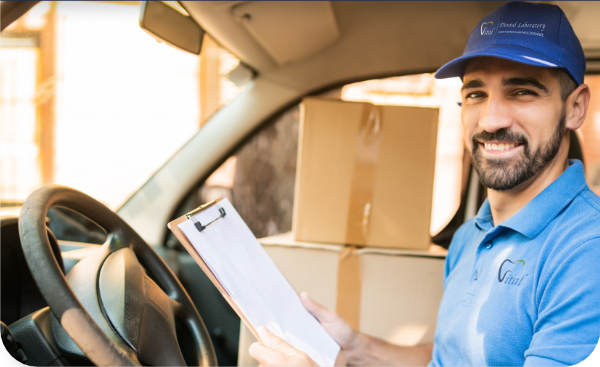
Local Pickup
Vital Dental Laboratory offers free pick up and delivery for all clinicians located in our local area. If your practice is near our Buffalo, New York-based laboratory, please fill out a request form to schedule a pick up.